I love to travel. Traveling and exploring new locations has become ingrained in who I am. My wife and I have made it a point to get our kids to explore the world with us.
Next week, we’ll fly a few states away for my mom’s birthday. However, our trip will come in the middle of the week, and I’ll still need to write and publish to my blog and newsletter, so I’ll need to pack my writer’s travel bag as well as my luggage. I hope to get some writing and publishing done while I’m away from home, even though I won’t have access to all my devices.
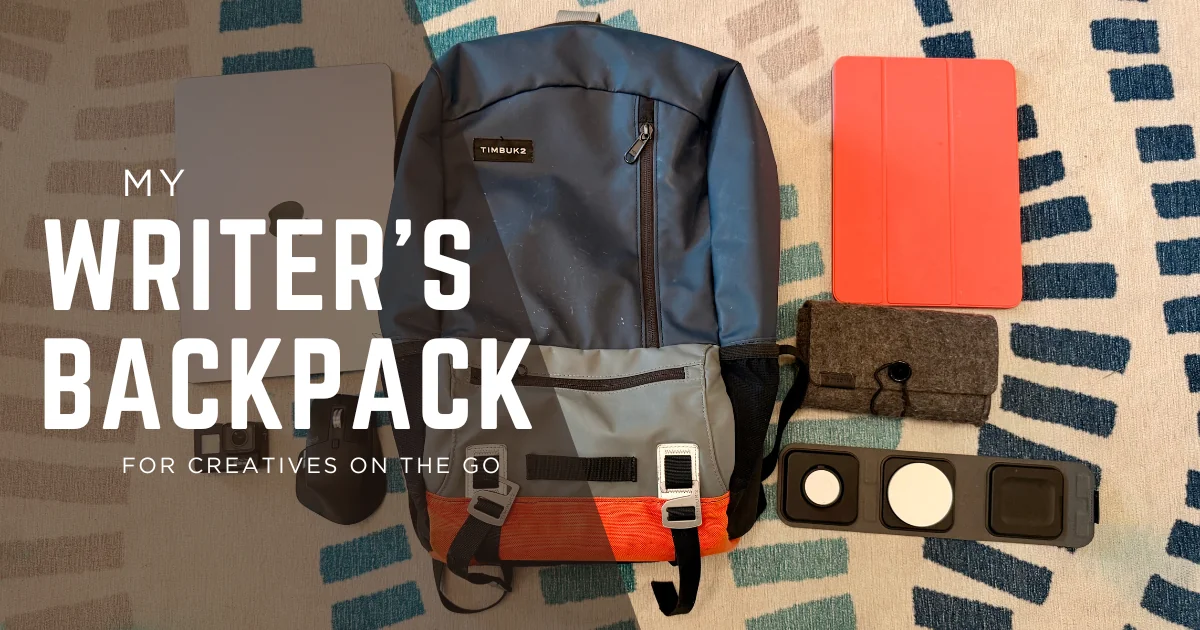
When I travel, I have a different routine for writing. Here are the things I bring with me and how they help me get writing done on the road.
Timbuk 2 Backpack
I think traveling starts with the bag you use to carry all your stuff around. Anything can work if all your stuff fits, but liking your bag can make your trip more enjoyable.
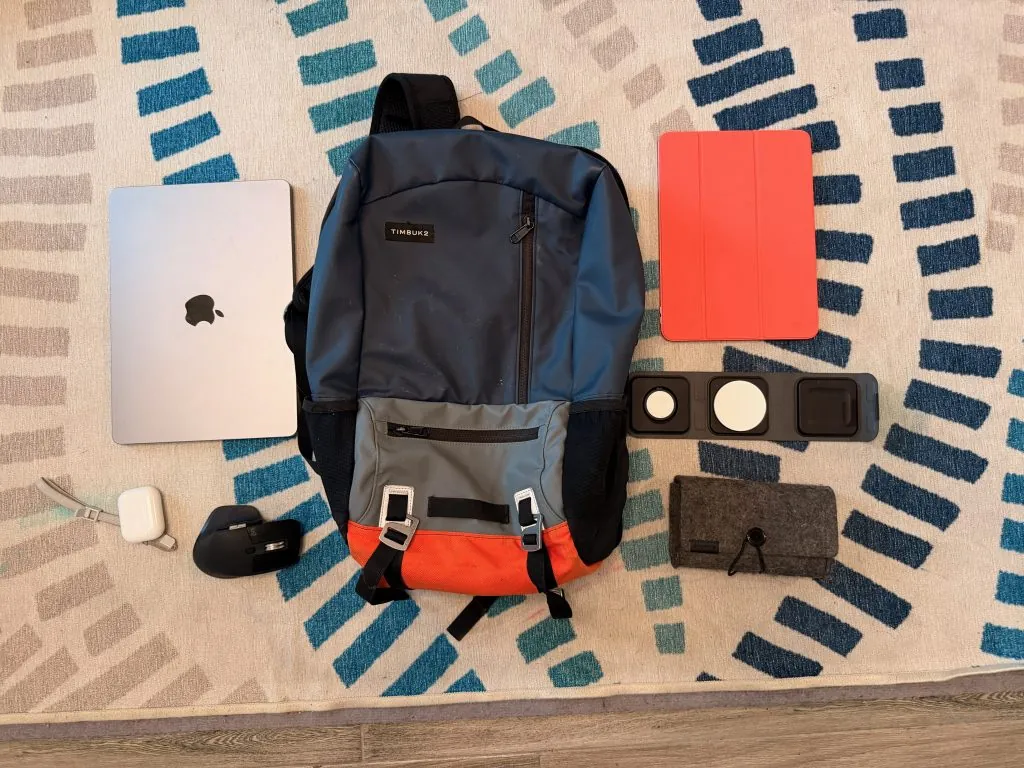
Years ago, when my amazing The North Face backpack stopped zipping and showed signs of overuse, I had to get something new. After doing some research, namely The Wirecutter, I settled on a custom Timbuktu2 Alcatraz backpack.
I’m going to cut to the chase here: I don’t love my backpack.
I don’t feel like it offers as much space as the North Face backpack I bought in 2006, and it feels stiffer. This bag costs a lot of money as well, and I don’t feel like it was worth the purchase.
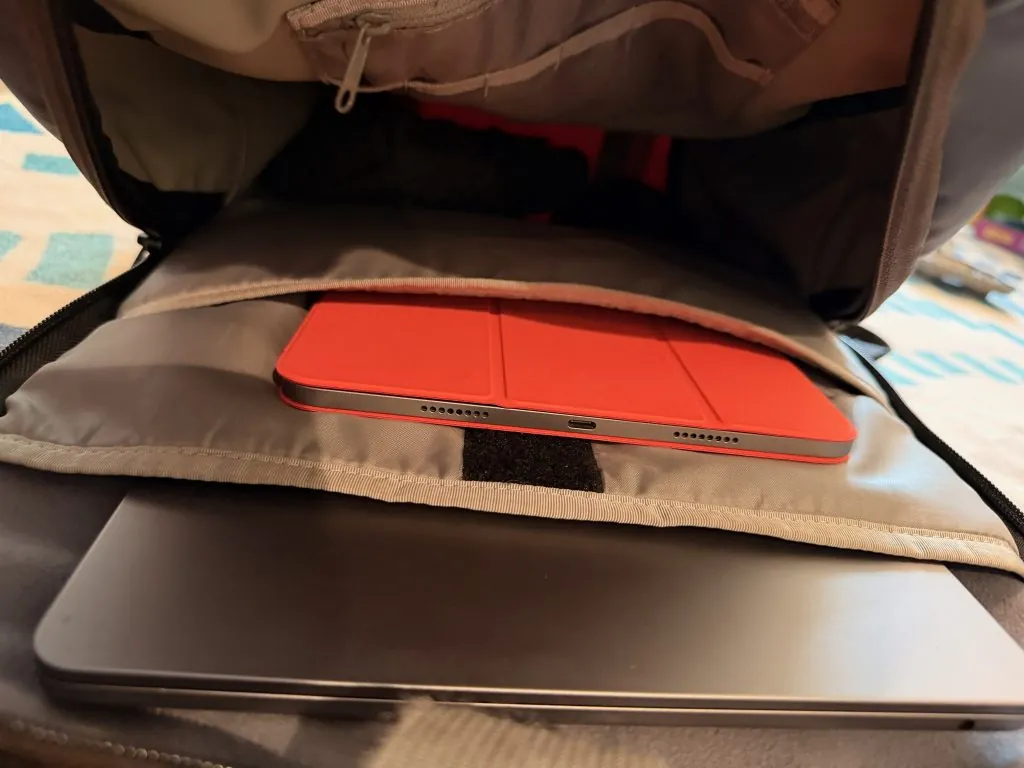
But the backpack works well enough. It has two internal pockets for a laptop and a tablet. The space inside can hold all my chargers, a few pairs of headphones, and usually some toys.
The front has two zipper pockets, although they are pretty slim. I like to put a charger in one for quick access if needed while traveling. There’s also a zipper pocket on the inside for things you want to keep safe.
While TimBuk2 offers some standard color options, I chose to customize my bag. I loved the feature, and it was fun to build—albeit for a price. It is comfortable when wearing it, and it does allow some airflow in the back.
But the backpack doesn’t click for me. I don’t love it. I would get a new backpack for myself, but this one cost too much money for me to toss it aside when it still works well.
Do you have a recommendation for backpacks? Let me know in the comments.
iPad Pro with Keyboard
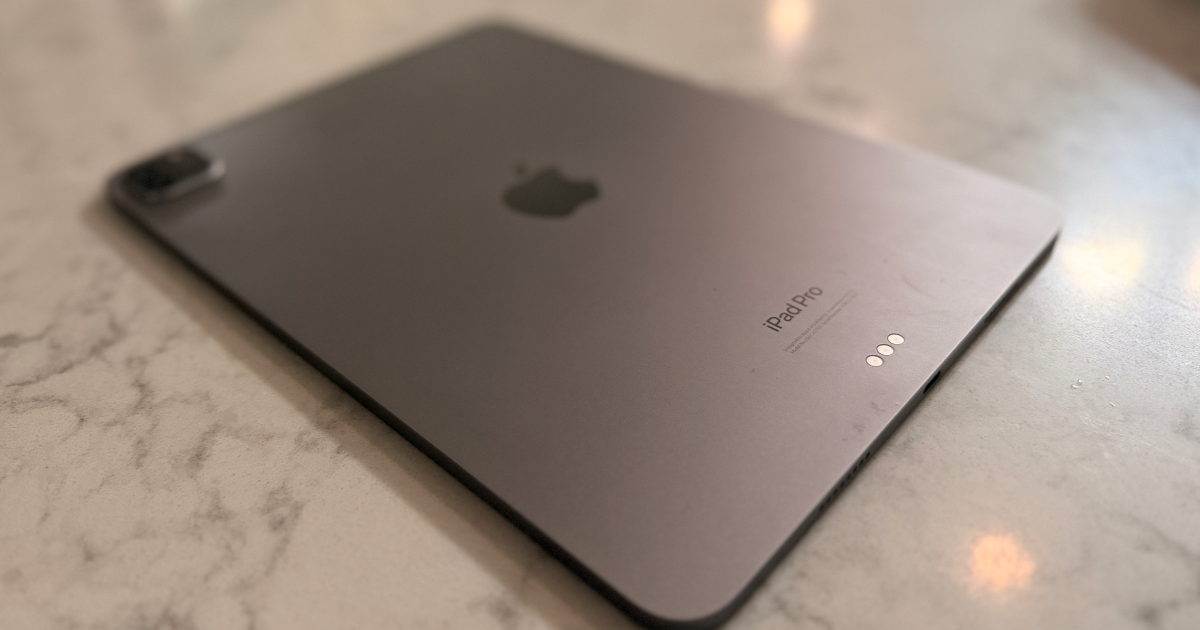
My main device when traveling is my M2 iPad Pro.
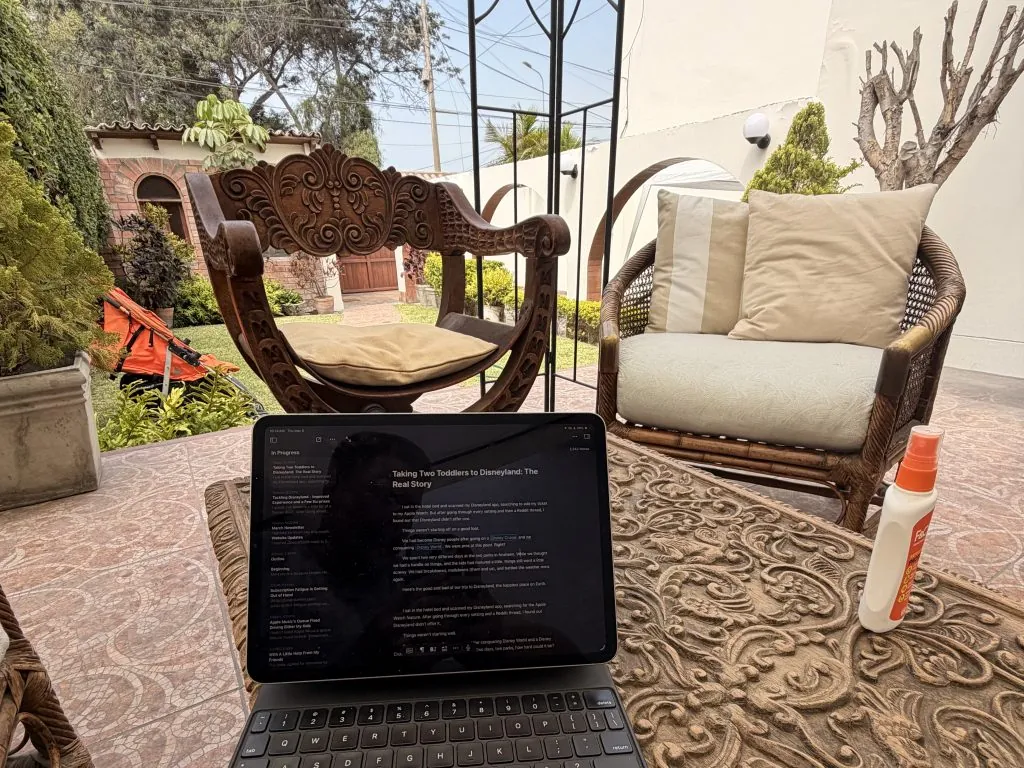
The iPad provides a great blend of power and convenience. It doesn’t take up too much room in my bag. I left my MacBook Air at home and only took my iPad when we went to Peru earlier this year. Despite many people saying the iPad can’t do real work, I did everything I needed on it.
The iPad Pro works great for traveling because most of my travels involve flying, and I like downloading a stack of shows or movies for the flight. I also like that I can bring different covers for my iPad for different assignments. If I need to take my laptop, I can put a Smart Cover on my iPad to save size and weight in my bag. I could also snap it into the Magic Keyboard to have a solid typing experience and trackpad with me.
The iPad is just so versatile because of that.
I can write, do backend work on the website, read, play games, download videos, and surf the internet. While my MacBook Air can do most of that, it’s not as seamless.
However, the iPad isn’t perfect. While it’s nice to travel with the smaller device, the lack of screen space can become an issue when I need to work with multiple windows at once. iPadOS does allow you to use multiple windows, but things can get tight on the 11-inch screen.
And while I can still get all of my work done on iPadOS, things don’t always flow as well. Some things are just easier on the Mac, like multitasking between my Ulysses app and the WordPress interface.
Honestly, when I travel, I’m not sure how much time I’m even going to be able to dedicate to writing. On vacation, I go into full dad mode. When I’m packing, I typically have to weigh if it is even worth it to bring my MacBook, but the iPad is so easy to bring with me.
MacBook Air
If I think I might get some dedicated writing time, I’ll pack my M2 MacBook Air.
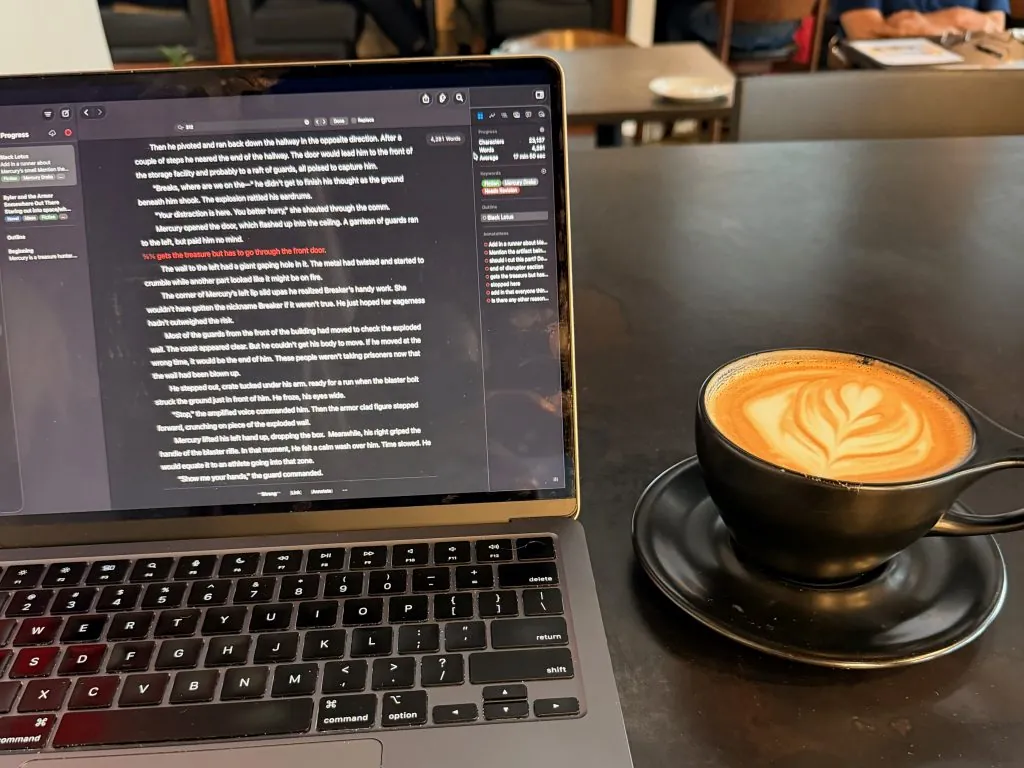
The best part about the MacBook Air is how easy it is to travel with. The Air is slim and easy to pack away in my bag, if not a little bigger and heavier than my iPad. It doesn’t add that much to the pack.
It also comes with a ton of power. While it’s the same chip inside my MacBook and iPad, the MacBook feels more powerful because of macOS. The keyboard is larger and feels better than the slightly cramped experience on my iPad as well.
While writing on the iPad is possible, writing on the Mac flows better. There are more ways that you can integrate apps that help you. Grammarly can sit on top of your work and flag things as you write on the Mac, but can’t on the iPad. Similarly, while Apple is bringing Siri AI and consistent grammar check to the iPad, it doesn’t work as well as it does on the Mac.
While the iPad can be used in more ways than a MacBook, the MacBook is stronger on the software-side. For instance, on a recent roadtrip, my wife’s iPhone 14 Pro Max acted up, and it displayed the plug your iPhone into a Mac picture when she rebooted it. I had only brought my iPad, so we had to wait three days until we got home to plug it in to a computer. If I had brought my MacBook, I would have been able to fix it there. However, the amount of time I would have used my iPad or MacBook during that trip was minimal, so I don’t think I made the wrong choice to leave it behind.
Logitech MX Master 3 Mouse
My most recent addition to my setup is a Logitech MX Master 3s mouse.
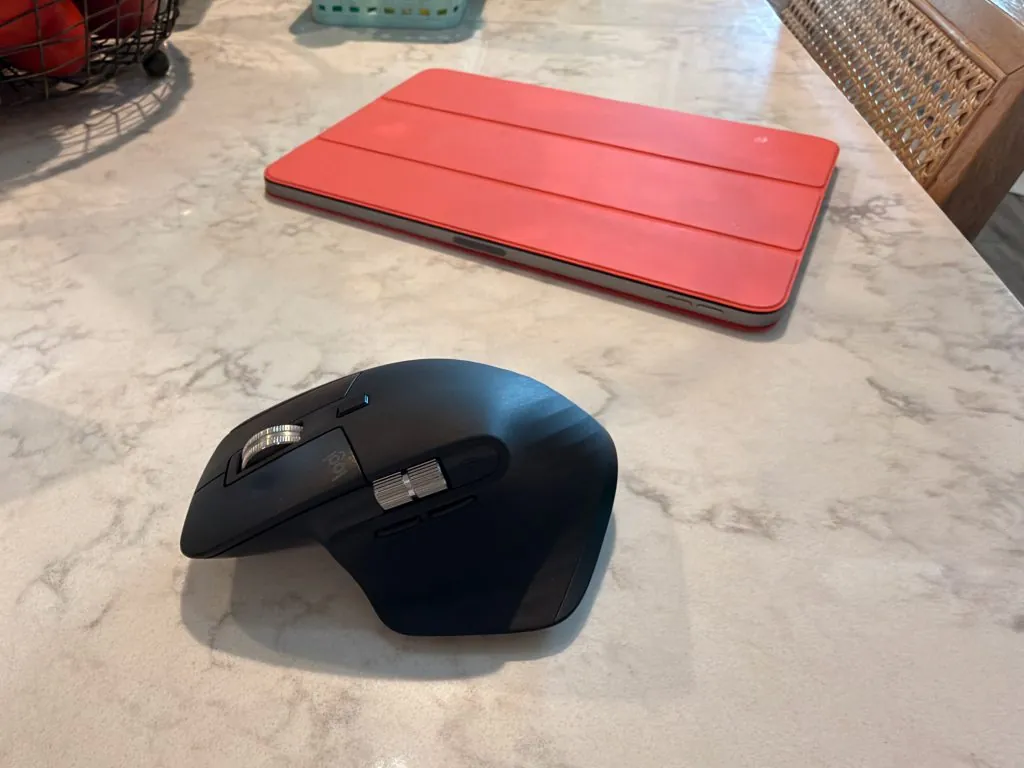
I had heard about this mouse for a long time. Most of the tech personalities I follow recommend it, but I couldn’t bring myself to pay so much for a mouse. Then it went on sale and I snatched one up.
After using it for a while, I have to say, I’m not that impressed.
It does feel better than Apple’s Magic Mouse, but the Logitech software that runs it is buggy. I kept having issues with connections with the app, and that limited the device to just two buttons and a scroll wheel. I found some 3rd-party software that makes the rest of the buttons work and the connection is stable.
Besides feeling better, the MX Master 3 allows you to connect it to three different devices with a push of a button. That way, I can connect the mouse to my Mac Mini, MacBook Air, and iPad Pro.
Now, I just throw the mouse in my backpack and I can use it, regardless of which device I take.
AirPods Pro 3
I use my AirPods Pro 3 daily. When flying, the AirPods are spectacular. They fit well, take up a tiny amount of space in my bag, and block out all the sound during the flight.
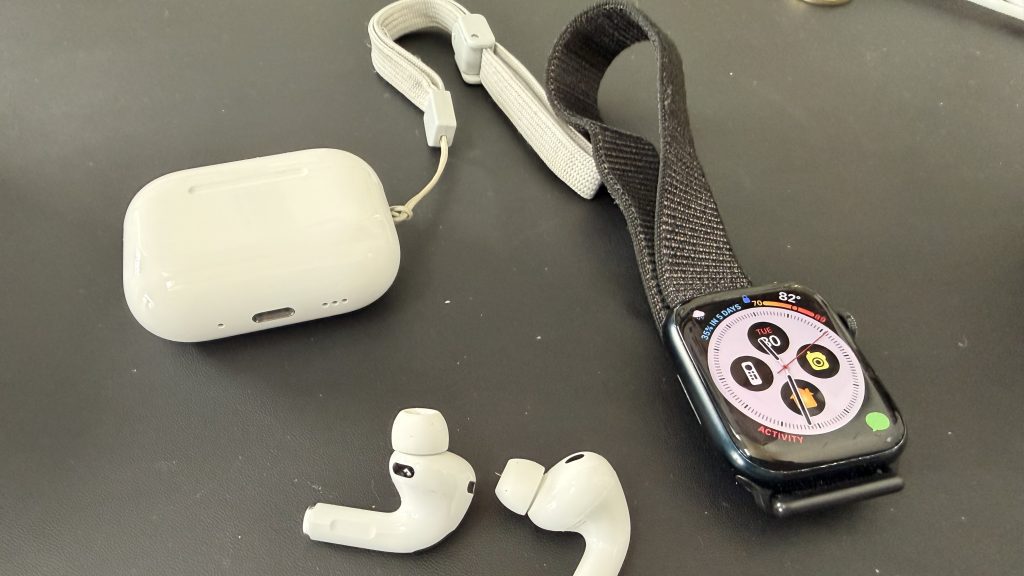
While I’ve always wanted some over-the-ear headphones like the AirPods Max, they would take up so much space in my bag. The AirPods Pro are so small, they hardly take up any room in my pocket. They are quick to put in and take out, which often happens when my kids need something.
These things also sound great whether I’m listening to music, movies, or a podcast.
iPhone 17 Pro
My iPhone 17 Pro goes with me everywhere. It wouldn’t be any different on vacation.
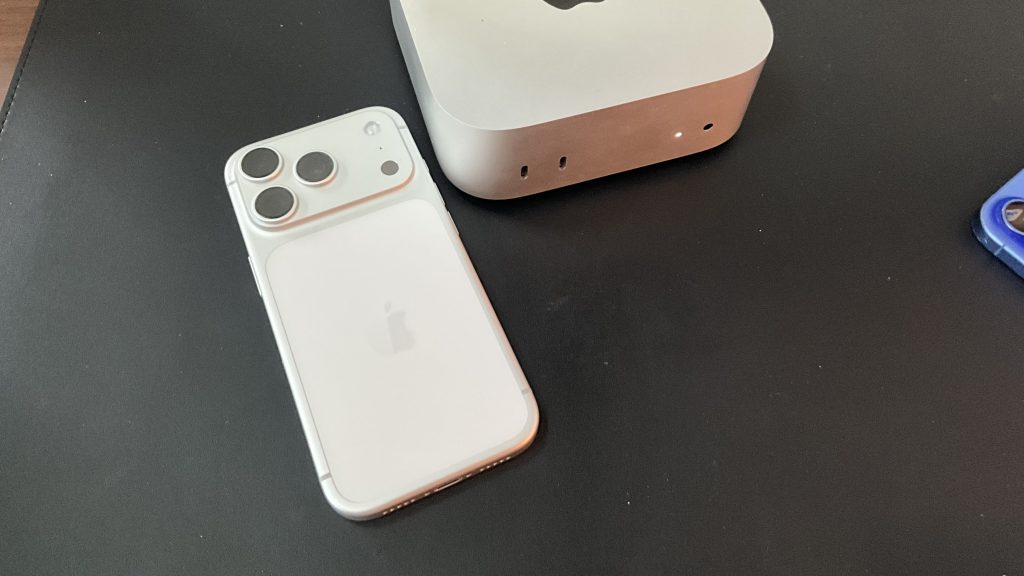
The iPhone 17 Pro has been the best iPhone I’ve ever owned. It’s fast, light, and takes great pictures. If I need to break into a writing session and I can’t get to my iPad or MacBook, I don’t have any issues writing on my iPhone.
I think the screen size of the iPhone 17 Pro works well for travel, as it is on the smaller side, but offers enough space to get things done. There hasn’t been anything I’ve thrown at it that has made it slow down.
The camera on the iPhone 17 Pro takes great pictures and videos. The telephoto lens helps me get close enough without having to rely on a digital zoom. The pictures of my kids appear vibrant and perfectly capture those memories.
For the first time in years, I’m not looking to upgrade my iPhone. I believe that’s one of the highest signs of respect I can give that little device.
GoPro 7
If I know that I’m going to be doing something exciting or getting wet, I’ll throw my GoPro 7 in my bag.
I bought the GoPro a long time ago, and I use it so infrequently I don’t feel the need to upgrade it. However, I like having the GoPro when I don’t want to risk getting my iPhone wet and still want photos or videos.
The GoPro is small enough that it doesn’t take much space in my bag, and it can record video in 4k60, so the image quality is great. Plus, I can connect the GoPro to my iPhone or iPad wirelessly and view or transfer my capture to the iPhone. However, longer videos can take a long time to transfer over.
I was happy to have it with me this last week when we went to a hotel with a giant water park. I loved being able to capture some of these fun moments of my kids swimming and experiencing new things.
Chargers
A few years ago, I won a Mophie travel charger. This is a great addition to my bag as I can charge all my devices with one thing. The travel charger offers a MagSafe, Apple Watch Charger, and an additional Qi charger for something like my AirPods. Plus, it uses a USB-C charger that you can unplug from the pad to plug into an iPad or MacBook to charge.
It comes with a great storage case that everything can fold down into. It doesn’t take up much room, and it beats having four or five different cables floating around your bag.
The version I won has a slower Apple Watch charging speed, but I haven’t really noticed. When I’m traveling, I rarely need to set an alarm to wake up, so I don’t wear my watch to sleep. The MagSafe charges pretty quickly and I’ve never had any issues.
It does everything I need to and comes with a nice case, so I do recommend something like this.
My Writer’s Travel Bag
As I finish this, I need to start packing. We’re going from Wednesday to Monday, so I’ll have to try to get a post and newsletter out while we’re on vacation. That might warrant me bringing both my iPad and MacBook Air in my writer’s travel bag.
Writing on the go doesn’t have to involve bringing my entire stack. I’ll have a great device to write on, headphones to block out the world, and chargers so that I don’t run out of juice.
What does your travel pack look like? Let me know in the comments.
If you’re looking for more information about Macs, iPads, or iPhones, make sure to swing by my hubs. I have reviews, guides, and more for each of the systems.
If you need some help writing, take a look at my Writing Hub, where you can find guides, tips, exercises and more.
Leave a Reply