
Being a stay-at-home dad while trying to grow a writing career can be maddening. I’m constantly pulled in so many directions, and very rarely do I get to sit down and write.
To help me combat everyone pulling at me, I set goals in Ulysses to keep me on track. This helps me focus when I get the chance to write, and feel accomplished when I reach my goals. This reminds me of my high school and college days, constantly trying to hit specific word and page goals set by my teachers. While writing, I would have to check those goals after every couple of sentences, and then roll my eyes at the number of words I’d have to cut or add.
I wish that I had been able to use an app like Ulysses. Instead of constantly checking every few sentences, I could simply watch as the goal circle filled up, like I do now.
Here’s a simple guide on how to set goals in Ulysses to boost your focus and productivity.
What Is A Goal In Ulysses
Ulysses offers a plethora of different writing options, allowing you to set goals on a single sheet or group. Refer to my Getting Started with Ulysses guide for details about sheets, groups, and projects. The app will track your progress as you go, with a circle in your Sheet view if you’re setting a goal for a group or in the dashboard for a sheet goal.
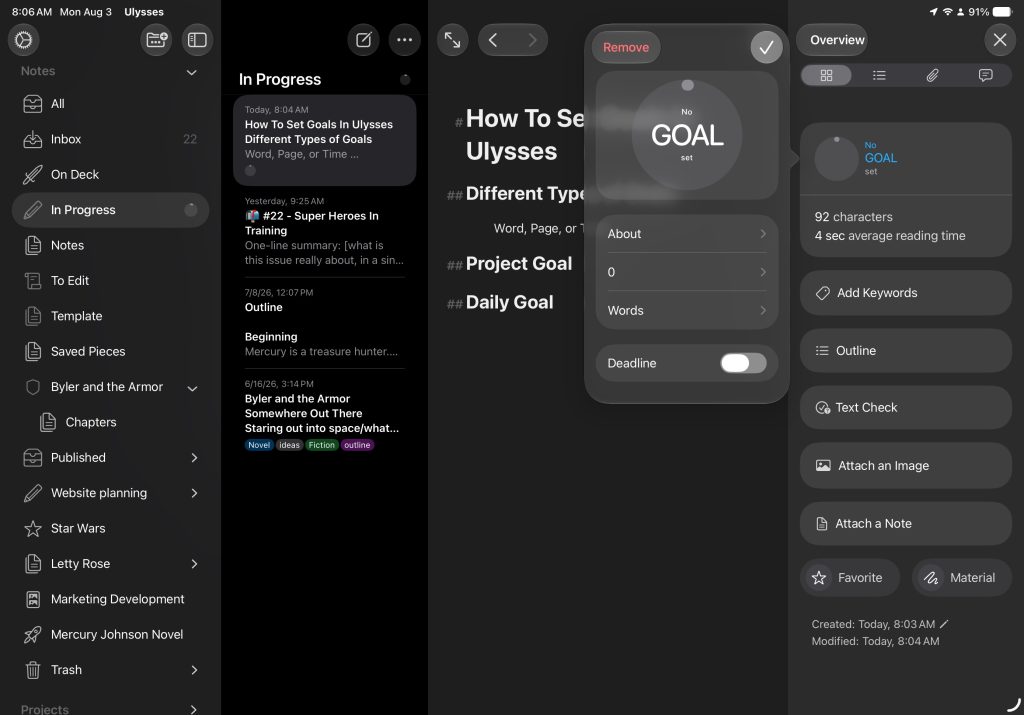
Goals can be set to over, under, or about a certain number of characters, words, sentences, paragraphs, lines, pages, or how long it would take to read at different speeds. Tracking reading time is especially useful if you are writing blog posts in Ulysses and want to keep your articles concise for your audience.
For groups, you can also set a daily goal, which resets the goal every day. Personally, I keep a daily goal of 500 words set up in my In Progress folder.
| Goal Type | Best Used For | Key Feature |
|---|---|---|
| Sheet Goals | Individual articles or chapters | Tracks progress via a circle in the dashboard |
| Group Goals | Entire projects or manuscripts | Aggregates counts from all sheets inside the group |
| Daily Goals | Building a writing habit | Resets every day; great for daily word counts |
How To Set Goals in Ulysses Sheets
The easiest way to set a goal in a sheet, open the editor, head to thedashboard and select Add a Goal in the Progress, On the iPad or iPhone there is a button that says add goal. On the Mac, it looks like a target in the upper corner of the Progress section.
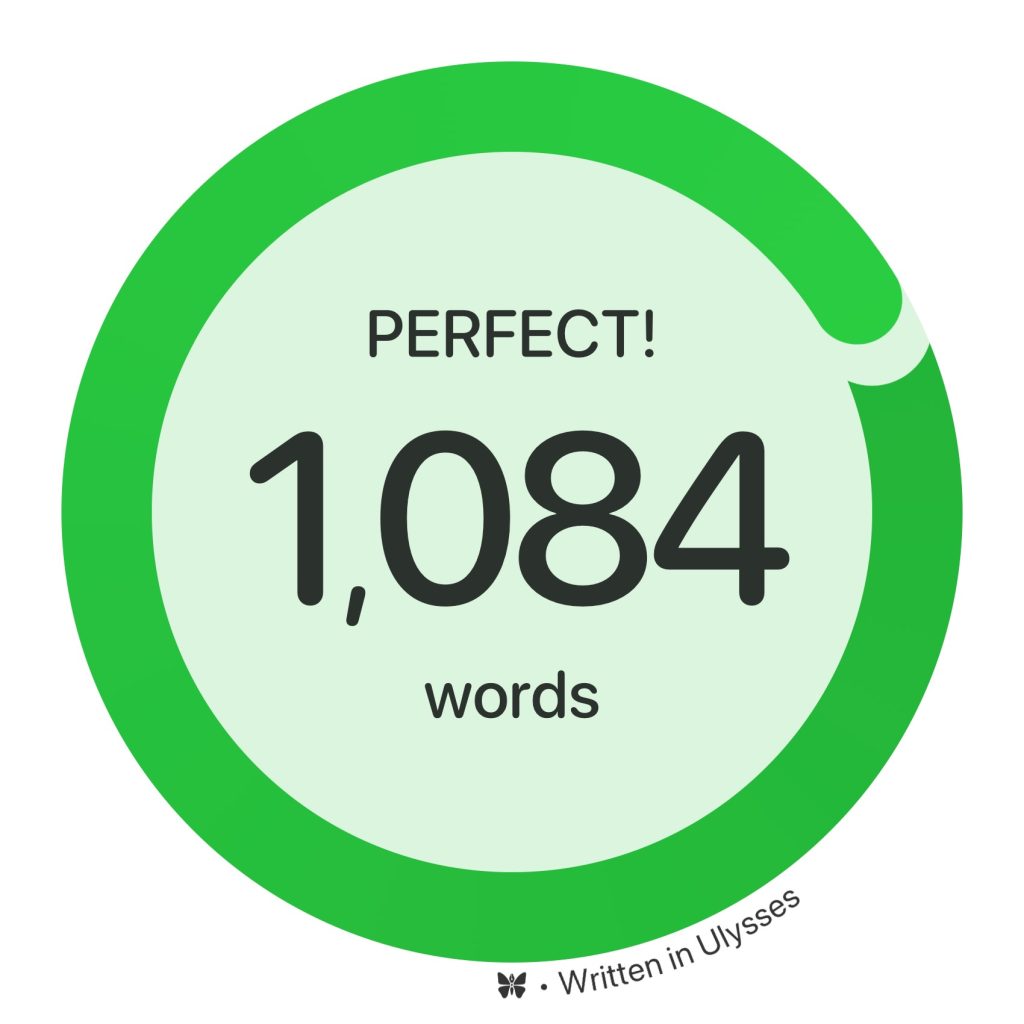
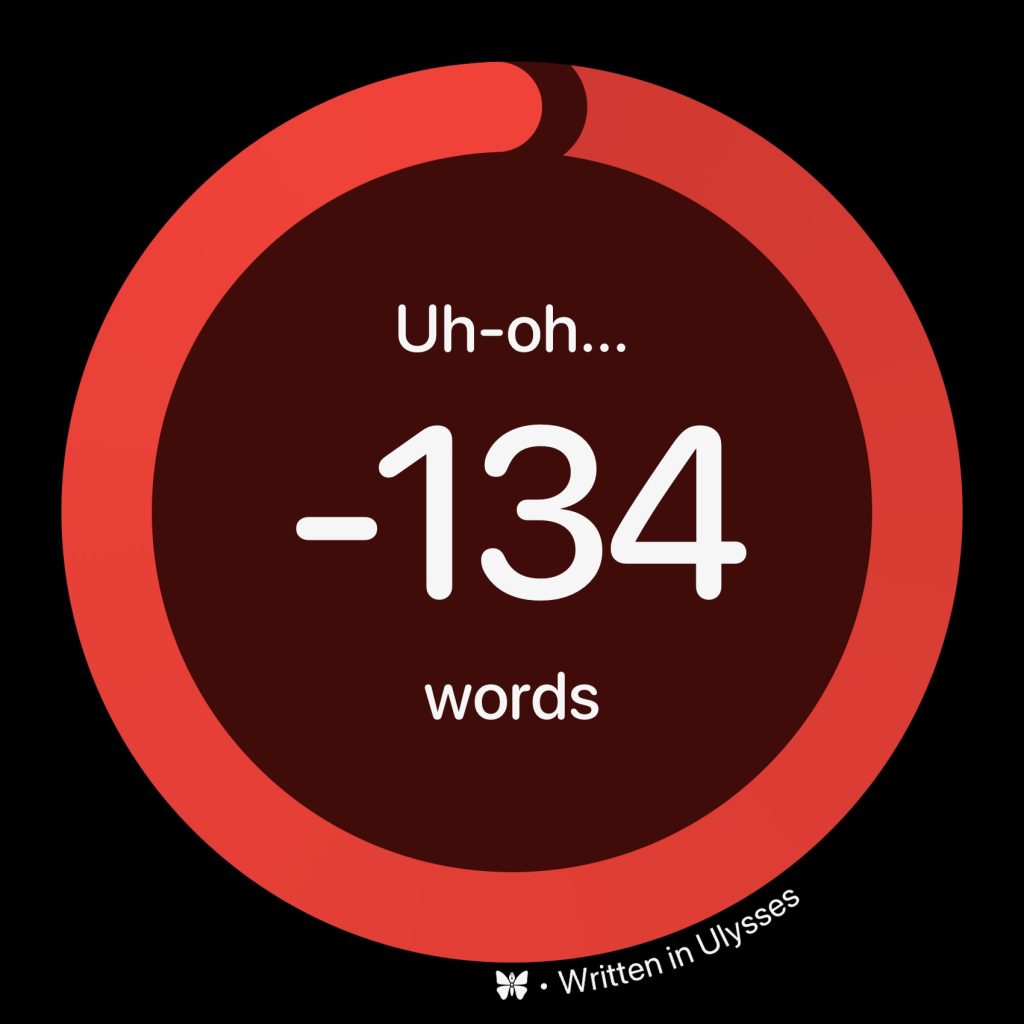
Next, decide if you want your goal to be about, over, or under. Over will track your count until you get over your defined goal, while Under is perfect for when you have a limit you can’t go over.
Next, select your tracking metric. That will help you determine your goal before you pick the number. You’ll be able to select the following options for your tracking:
- Characters (the letters, numbers, and symbols you type)
- Words
- Sentences
- Paragraphs
- Lines
- Pages
Finally, you’ll select what your goal will be. Do you want to write 500 words or a fourteen-line poem?
Use the dial on iPad and iPhone to select what your goal for the sheet is. On Mac, you should be able to type it in.
These goals sync with iCloud. So, if you set the goal on your Mac, but end up typing some on your iPhone, the goal will track on both devices. That’s a pretty handy ecosystem feature, that people on the move like myself love.
Group and Daily Goals
Having sheet goals is great, but there is more you can do with goals. If you like to break up your projects into multiple sheets or if you have a project that you want to track everything within the group, you can set up Group Goals.
To set up a Group goal, cmdclick on iPad or Mac, or long press on the group on iPhone or iPad to bring up the contextual menu. Here, there’s an option for Goals. Select that.
While most of the goal options are the same, there are a few things that set Group goals apart. For one, anything written inside the group will count toward the goal. For example, if you keep a notes sheet in the group, anything you add there will count toward it. If you would rather not have notes count towards your total, you’ll have to find a new place to put them. If you are working on a larger creative project, you might find my guide on writing fiction in Ulysses helpful for organizing your sheets.
Furthermore, instead of only setting About, Over, or Under for your goal, you can set a daily goal. This will reset your goal daily. I have a Kanban-style workflow inside my Ulysses, but I do all my writing inside an In Progress group. That group has a daily goal of 500 words, which helps me get a little work done every day.
Set Word Goals in Ulysses And Reach Your Target
Setting word goals can help boost my writing productivity. Setting my daily goal has kept me writing, even on those days when it feels like a struggle.
Luckily, setting goals in Ulysses is a breeze once you know how to do it. If you’d like to learn more about the great distraction-free writing program, make sure you check out my Ultimate Ulysses Guide, where I break down the interface, how to get started, and compare it to other writing software. If you’re already sold on it, you can use my referral link to sign up for your first year of Ulysses at a big discount.
Moreover, If you’re just getting started writing, make sure to check out my Writing Hub for ideas, exercises, guides, and more.



Leave a Reply