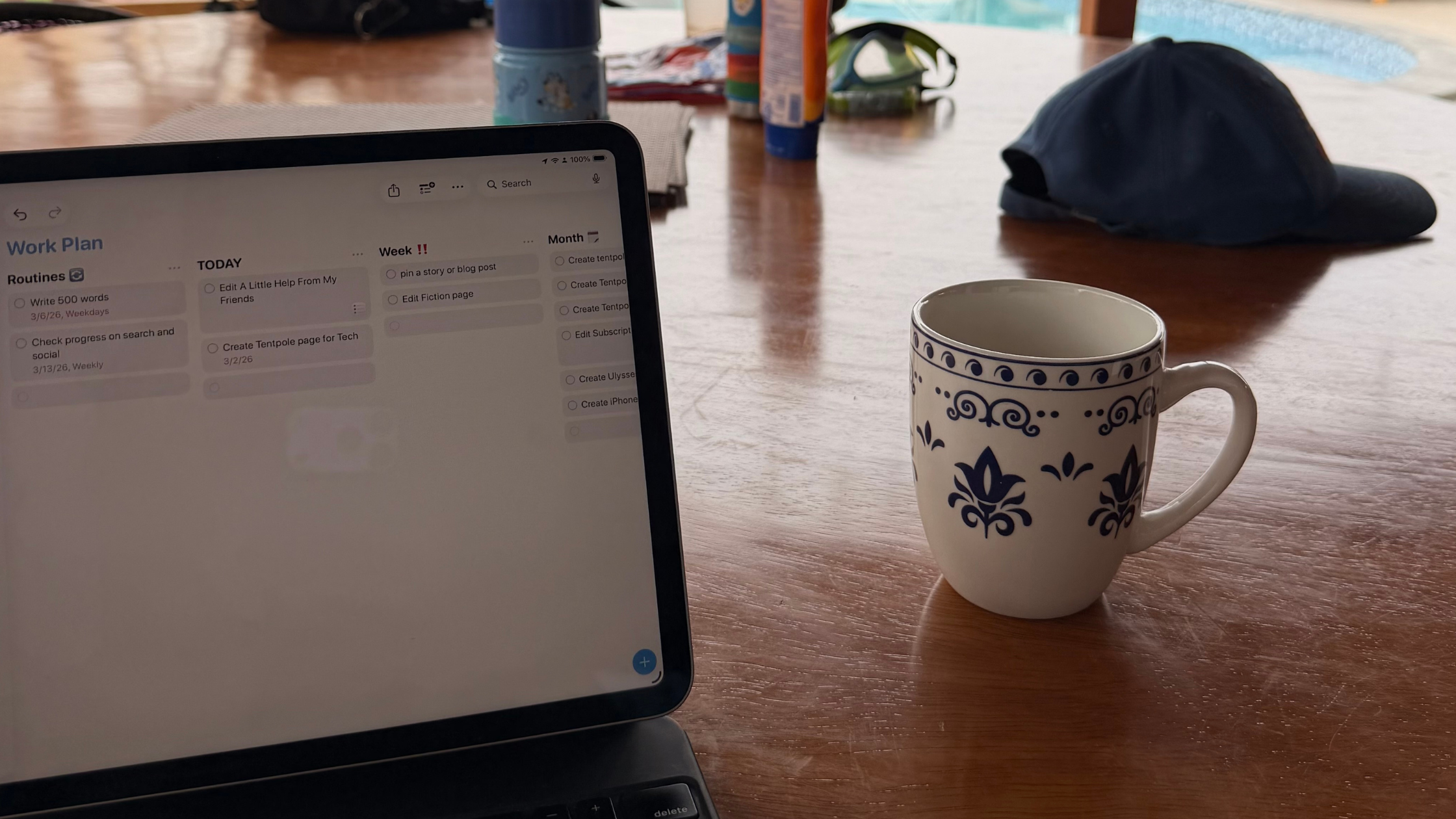
My self-imposed goal was on the line. We’re still early in the year, but I don’t want to miss a weekly post. So, when we started packing for our ten-day trip to Peru, I started to panic.
Finding time to work on vacation with two kids could be challenging. Finding the time and being in another country felt even more daunting.
If I could find time to work, I’d have to figure out which tool I could even use. So, I had to decide if I should pack my iPad Pro or MacBook Air in my writer’s travel bag. I wonder if iPad productivity was even realistic with two kids in tow in another country
I didn’t want to take both, that would just be extra baggage I didn’t want to have to worry about. So, despite my worries that I couldn’t do all the work I needed to do on my iPad, I threw it in my bag instead of the MacBook.
But could I really do real work on the iPad?
The iPad’s Bad Rap
Most people don’t think the iPad can be a productivity machine. I hear that the iPad is a content consumption machine and not a creation machine.
But productivity apps are there now. Most people still think that they can’t work on an iPad as well as a Mac, but I think that’s because they just haven’t put any time into finding a new way to do something they’ve been doing.
I don’t mean that as an insult to anyone. It’s difficult to disrupt your flow.
What I Felt Working On Our Trip
When we set out, I didn’t think I’d get much done, but I was wrong. Working on my iPad felt different from working on a Mac, but I still managed to do everything I normally do.
The iPad Worked Great on the Flight
On the flight to Peru, I got to work.
I had the iPad in the Magic Keyboard case. It’s not my favorite case because it adds so much weight to the tablet (it’s barely lighter than my MacBook Air) and if I want to use the iPad as a tablet, I have to take it out of the case. However, the typing experience feels just like typing on a MacBook, plus it has a trackpad, which is a boon for editing writing.
Despite the extra weight, my 11-inch iPad rested on my tray table with ease, even though the person in front of me reclined. With my kids beside me, all zoned out on their screens, I got into the zone with little interruptions. In fact, I typed out my entire Disneyland article, all 2,000 words, on the flight.
Almost the entire time, Ulysses took up my iPad screen. While you can use multiple windows on the iPad, the 11-inch does make those windows pretty small, which slightly discouraged me from using them. However, a few times, I did need to copy something over from my database, so I did use windowing.
Once I finished my draft on the plane, I watched some of the shows I had downloaded there, which I couldn’t have done on my Mac. Unfortunately, most of the streaming services don’t offer Mac apps and there’s no way to download shows for when you do travel and won’t have a Wi-Fi connection. This alone becomes a reason I take my iPad over my Mac when I travel.
Working In Peru
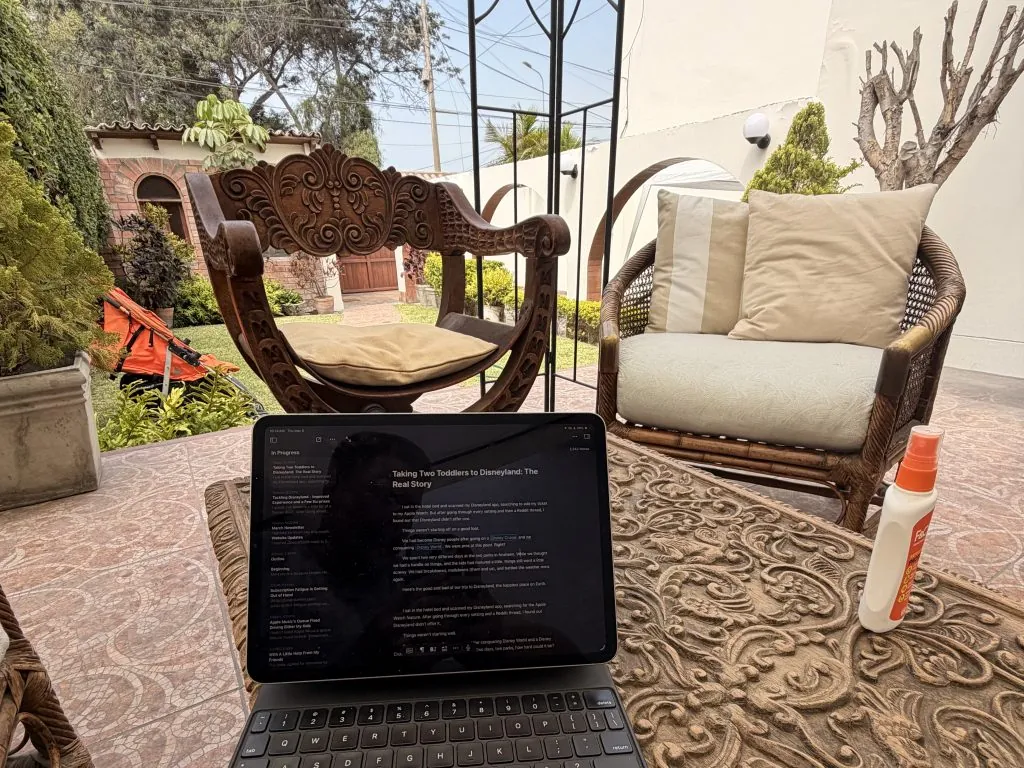
Luckily, we had a few slow mornings, so I got to get my iPad out and proof and edit my drafts.
I had a few issues with lag, but I think it had to do with the connection on the airplane and the limited time I used my iPhone as a hotspot in a different country.
That lag only happened in Ulysses, and I think it came from the app trying to save to the cloud on a bad connection.
Once I connected to the Wi-Fi at my cousin’s house, things never slowed down again. But I also jumped on the latest Ulysses beta, which also could have solved that issue.
When I had a moment to read, I loved taking my iPad off the case and holding it in portrait mode. I loved waking up to a quiet house and reading out by the pool looking out over the water. I couldn’t have done that with my MacBook as well, since it can only be a laptop.
All My iPad Apps Worked Great
Ulysses and WordPress worked great on the iPad.
Ulysses works just as well on my iPad and iPhone as it does on my Mac. All the shortcuts feel familiar, and the interface looks the same. In fact, most of the apps I use to create have feature parity between them, which is not always the case with iPad apps. Even the Revision mode in Ulysses worked just like in the Mac app.
WordPress in the browser felt just like it did on the Mac. I created a banner for the blog post in moments and had it uploaded with ease. I put my apps into windows, and I was able to drag photos out of my photo library and into the blog post with ease.
I’m astonished I could write and edit my entire blog and a short story while I was on vacation. Ulysses made it easy to upload my finished piece as well.
The iPad Gets A Bad Rap
I used to use the iPad as my main device, and since then, the iPad has gained new features like windowing. However, this trip taught me that the iPad can still hold its own.
The iPad gets a bad rap. I wrote an entire blog post, edited, posted it to WordPress, added pictures, and marketed it all with my iPad. I managed to post a blog and a short story with a looming deadline.
iPad productivity is better than many say. Next time I travel, I don’t think I’m going to wonder if I can get the job done with an iPad.
Want more iPad content? Make sure to check out my iPad Hub, where you can find reviews, impressions, tips, guides, and more about Apple’s tablet device.
And if you’d like to make sure you never miss a post, sign up for the mailing list, and you’ll get an email with my subscriber’s only weekly email, and updates when there’s a new post. Simply enter your email in the form below.
Let me know in the comments if you think you could do all your work on an iPad and leave your MacBook behind.


Leave a Reply