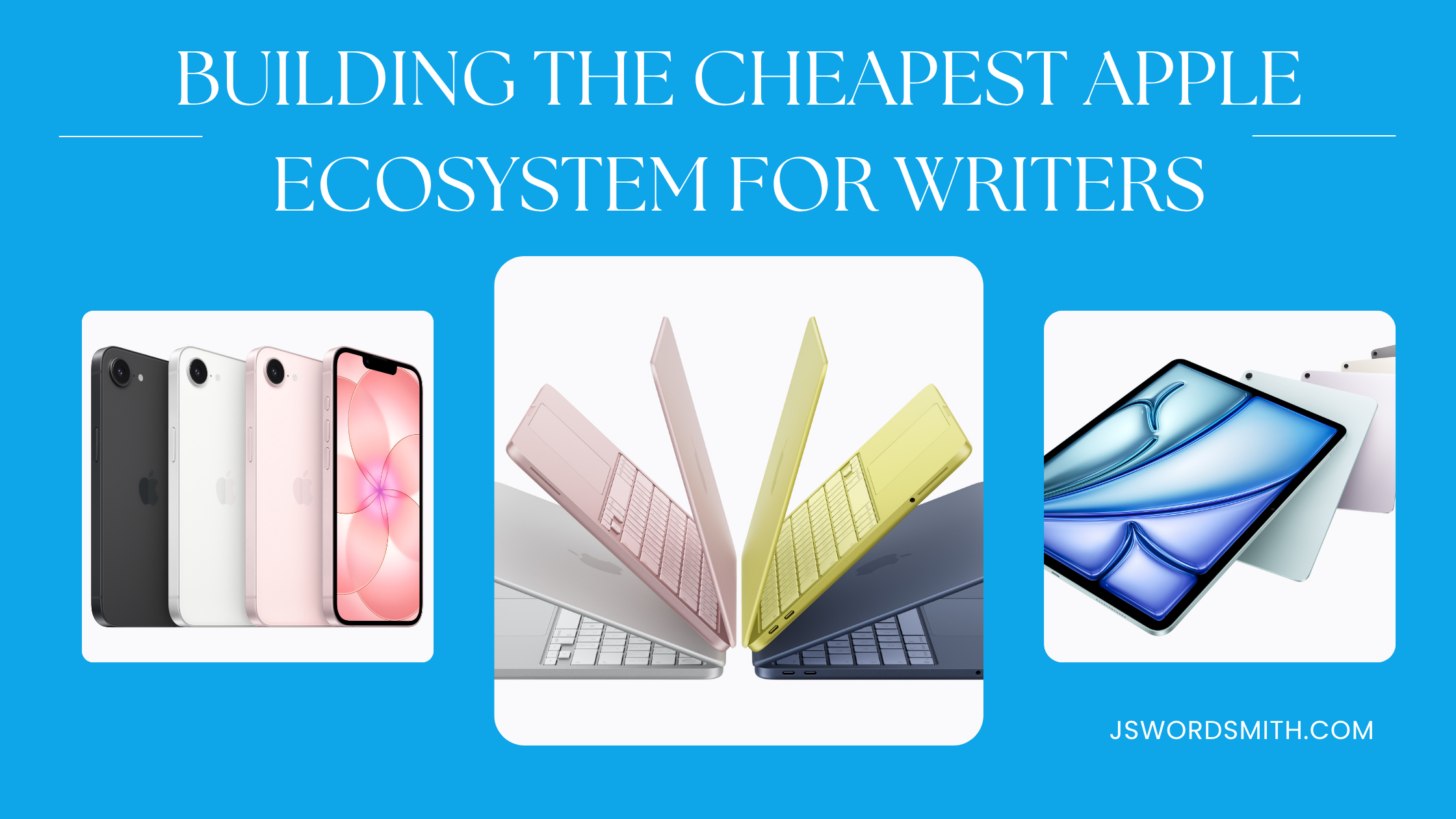
Since Apple has launched the MacBook Neo, it is now much cheaper to break into the Apple ecosystem. Struggling authors had been priced out of getting new Macs for the longest time. Now, purchasing a full Apple ecosystem set up costs less than a MacBook Pro.
While this is great news, I believe it’s even better for writers who want to get into the Apple ecosystem. The barrier for a writer to purchase newer Apple devices is cheaper than ever.
So, if you’re trying to get in, here is how I’d build the cheapest Apple setup for writers, the devices I’d recommend, what to do if you don’t want to buy them all, and what apps are out there to help you write.
The MacBook Neo is a Writer’s Best Friend

To get the most writing done in the Apple ecosystem, I’d recommend going with a laptop. The newest and most cost-effective choice would be the MacBook Neo.
I used a MacBook Pro for years as my main writing system, until the M-series Airs came out. The Pro is overkill for a writer that just wants to get an Apple device.
The colorful and fun MacBook Neo can do everything a writer might need to do on a budget. In fact, I’ve been tempted to trade in my M2 MacBook Air for the Neo.
While many online are panicking that the Neo is underpowered because it uses an older processor from an iPhone, it can still do all the lifting a writer might need. Even if you’re editing video, you’ll have a pleasant experience, it just might not export as quick as a Pro model.
Of course, to get the cost down, there are some issues that you might face. The USB ports on the side aren’t as fast as the ones on the Air or Pro. The display on the Neo is the smallest of the group, although only by .6-inches, but it also doesn’t support P3 color or True Tone (the feature that tints your screen based on what’s around it).
Furthermore, the keyboard isn’t backlit, so if you find yourself typing in the dark often, you might want to bump up to the MacBook Air if you want to see your keys.
I played with a Neo in the Apple Store after they came out. The keyboard felt great, which most writers will need. It’s a great package for the best deal Apples ever offered. Of course, if you require something a little more powerful, bigger, or backlit keys, you’ll want to step up to the MacBook Air. You get more computer, but it does come at a cost, and it doesn’t have the fun colors of the Neo.
While I’ve posted an affiliate link to the Neo, if you’re a student or teacher, make sure you use that education discount with Apple.
Most writers can get away with using the base storage, especially if you’re trying to save money, can live with your files in the cloud. Of course, if you want something like Touch ID, you’ll have to opt for the more expensive version.
iPad and Keyboard Case
If you’d prefer something that’s more versatile as a device, but might require some workflow adjustments, the iPad is a great option.
Even though I use an older iPad Pro, the cheapest model is more than enough for most writers. You’ll miss out on Apple Intelligence, but you’ll still have access to AI programs if you need that functionality.
While you can type your story with the digital keyboard, you’ll be better served using voice-to-text or a physical keyboard. Apple offers a solid Keyboard folio that protects the iPad and offers a detachable keyboard.
If you’d like to save even more money, you could get a third-party case, like the ESR flex keyboard. It’s similar to the Apple case for less. It also comes in colors and allows you to use the keyboard separated from the device to allow more typing positions.
If I were purchasing right now, I’d probably pick the ESR keyboard. I don’t want a white keyboard, and I’d like to save as much money as possible.
The iPad also allows writers to bring an Apple Pencil into their workflow.
With the Apple Pencil, writers can handwrite and have that turned into text immediately. It’s like magic as you scribble on the screen and have your handwriting converted over to text.
If you like to sketch, doodle, or outline with webs, you’ll be able to do this inside the Notes app. Your handwriting can be indexed to allow it to be found in search as well. If you’re brainstorming and can’t find where that idea went, you can simply search for it and your iPad will find it.
The iPad can be found for cheaper than the Neo, but once you start adding on peripherals, that cost begins to rise. If you go with the Apple Keyboard Folio, the combo of iPad and case will only be $2 cheaper than the Neo, and it will have less storage space.
iPhone 17e
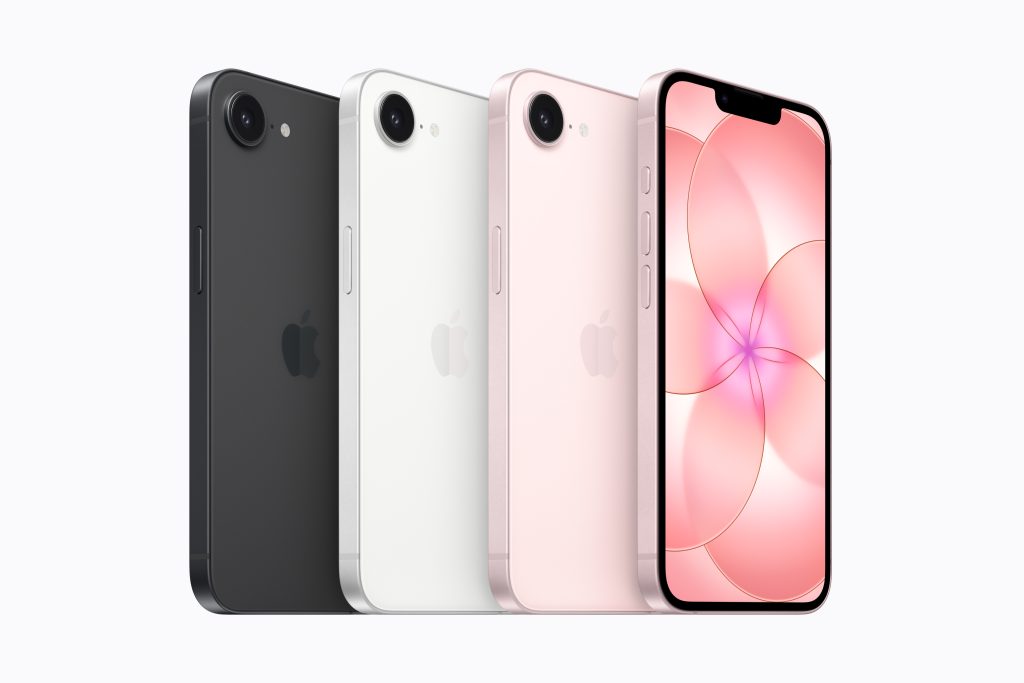
If you might need to write on the go, the iPhone 17e isn’t a bad option.
The iPhone 17e lacks the ProMotion display that every other phone in the line-up has, but it still offers a great deal. Plus, the size is great for writing on an iPhone.
Inside, the iPhone 17e is rocking an A19 chip, which is a generation ahead of the MacBook Neo, so it should stay good for many years.
You’ll also miss out on the Dynamic Island, since this phone still has a notch, but when writing, the Dynamic Island doesn’t offer much in utility to writers.
I don’t think many people get lost in a writing session on an iPhone, but you could pair a bluetooth keyboard with it if you needed, and plug it in to a monitor with the USB-C port.
While you’ll be missing multiple features from the rest of the iPhone 17 line, most of these shouldn’t have an effect on writing. The higher refresh rate screens don’t do much when you’re looking at a wall of text.
But this cost-effective phone can hold its own with most of the other iPhones.
AirPods
When writing, and you get in the zone, some people like to block out the world around them. I like to have some music going on, which ironically helps me zone in on the words better.
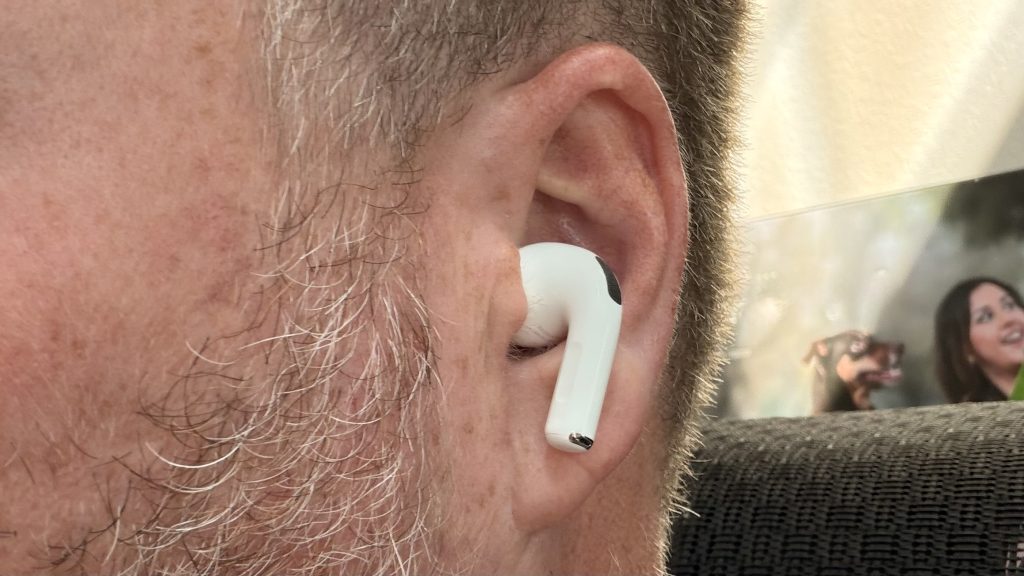
If you’re looking to get some wireless headphones that work with all the devices in your ecosystem, your best bet is a pair of the base level AirPods. They’ll connect to every Apple device in your ecosystem and provide great sound.
If you need to block out background noise, you can always jump up to the noise-cancelling version of these AirPods or go with the AirPods Pro 3.
Software
While you can get into the Apple ecosystem for cheaper than ever, apps are the thing that tie it all together. That’s where Apple devices shine.
If you can find a system of apps that sync between everything quickly and easily, you’ll never miss that chance to get words written out.
Pages
Apple provides a pretty good word processor for free, Pages.
Pages allows you to open numerous types of documents, from .pages to .docx. It can do just about everything that Microsoft Word can do, and you can use it without a subscription. You can save your files to iCloud and open it on any device and even on the web if you have to use a Windows PC.
Note, There is a subscription that Apple offers that brings in a few more templates and AI features to Pages, but it isn’t required for use.
You can even use Pages to upload your document to the Apple Book Store, as I did with my novella, Letty Rose and the Mistaken Identity.
Pages works as a great word processor, but that’s all it is. It doesn’t have any novel crafting features like Ulysses or Scrivener might.
Still, it will work on all the devices in this setup and more.
Google Docs
Another popular one is Google Docs. It does much of the same as Apple Pages, but it lives more in the cloud. Your files are saved to the cloud. If you want a local copy, you’ll have to download them.
It’s there, and the app and web app work across all the devices on this list.
Ulysses
I love using Ulysses for my writing.
Ulysses allows me to keep all my writing accessible within one app, I can write in Markdown for my blog posts, and I write my fiction with it. Ulysses lets you break your longer pieces into multiple sheets so it’s easy to focus on the section you’re writing on. When you’re done, you can glue them all together to form one document.
I moved to Ulysses because of how powerful it was, how quick it syncs, and the system I developed to organize my writing like a Kanban board inside the app.
While it’s not free like the other options, I do feel like this is worth the cost. If you’d like to try it out, make sure you use my link to get your 7-day free trial, plus a 25% discount on your first year.
The Cheapest Apple Setup for Writers
When it comes down to price, you’ll have a few options. The Neo goes for $599, while the iPad with the Apple case cost $598. If you could only pick one of the devices as your main writing system, you’re in the Apple ecosystem now for under $600 for a new device.
If you have an education discount, you can pick up the Neo for under $500. And the iPad plus the ESR case will get you under $400.
Never before have writers been able to dive into Apple devices so cheaply. And the best part, you won’t miss out on any of the features that come with the ecosystem.
If your focus is on writing, you wouldn’t need to look at an AppleTV or Apple Watch. Although both of these devices enhance the workflow. If you needed more screen space, you could AirPlay your Mac’s screen to the TV to stretch out. The Apple Watch could offer you timers for writing sprints and the ability to unlock your Mac if you opted not to get the Touch ID version.
The Ecosystem Just Got More Accessible
The MacBook Neo changed the game. While there are those out there arguing that the Neo is underpowered, writers don’t have to worry about it. It’s an incredible device.
But you can now get a pair of devices for under the cost of a MacBook Air. Writers struggling to afford the latest and greatest won’t miss out on any feature with these devices.
What do you think about the writers line-up? Is there something missing, or do you think a writer wouldn’t excel with this line up? Let me know in the comments.
I’ve also put together a handy MacBook Buyer’s guide for writers, that goes through each of the models and why I recommend a MacBook Air for most authors.
Leave a Reply