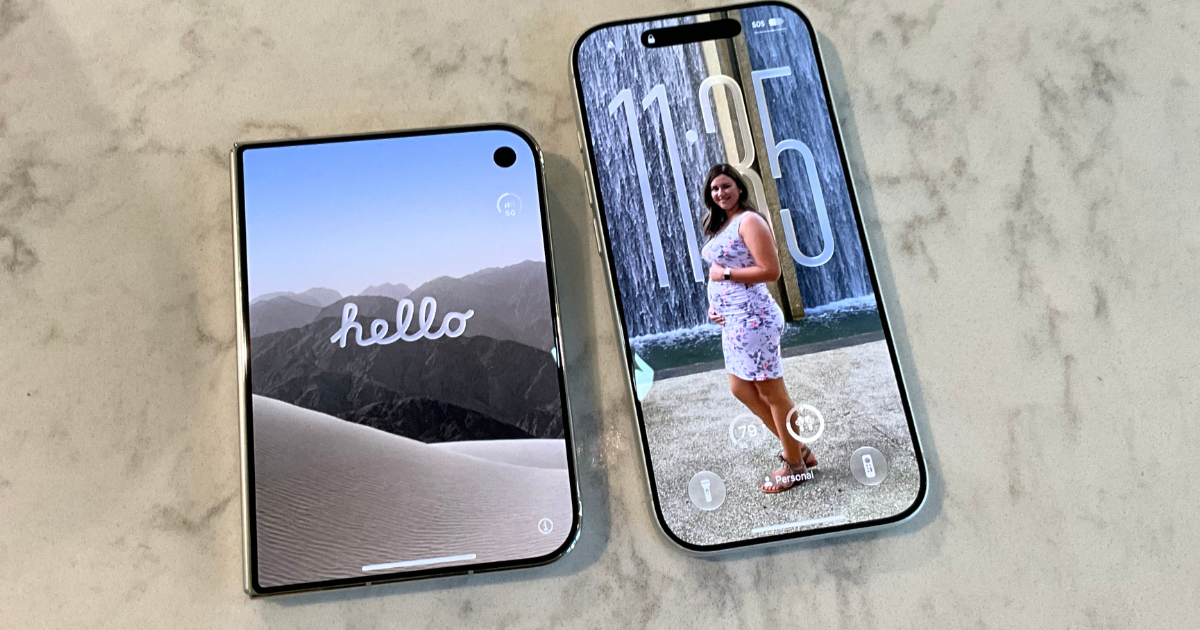
It’s finally iPhone Duo day. I picked mine up this morning and while I haven’t gotten to use it much, I wanted to get my first iPhone Duo impressions and story down.
My iPhone Duo Pick Up Experience
I’m not going to lie, I had a ball of emotions in my belly leading into today. A new iPhone can be really exciting.
But I felt a little scared as well.
My wife worried about me picking up the new phone from the store, especially with the back orders going into January. People will scope out a store and follow you to a car or even home.
Apple had security outside to deter that, but even then, you never really know what could happen once you leave the area. Luckily, nothing happened, but some fear mixed in with me.
I also felt a little guilty about ordering a phone this expensive. I’m not bringing in much money to the family, so I feared really loving this phone.
With all of that mixing inside me, I headed to the Apple Store thirty minutes earlier than scheduled to my appointment. I also felt curious about how the crowd would be at the Apple Store for this phone launch too. Not many people got preorders in for launch day, and the mall wouldn’t be open. Would they have the atmosphere of a launch?
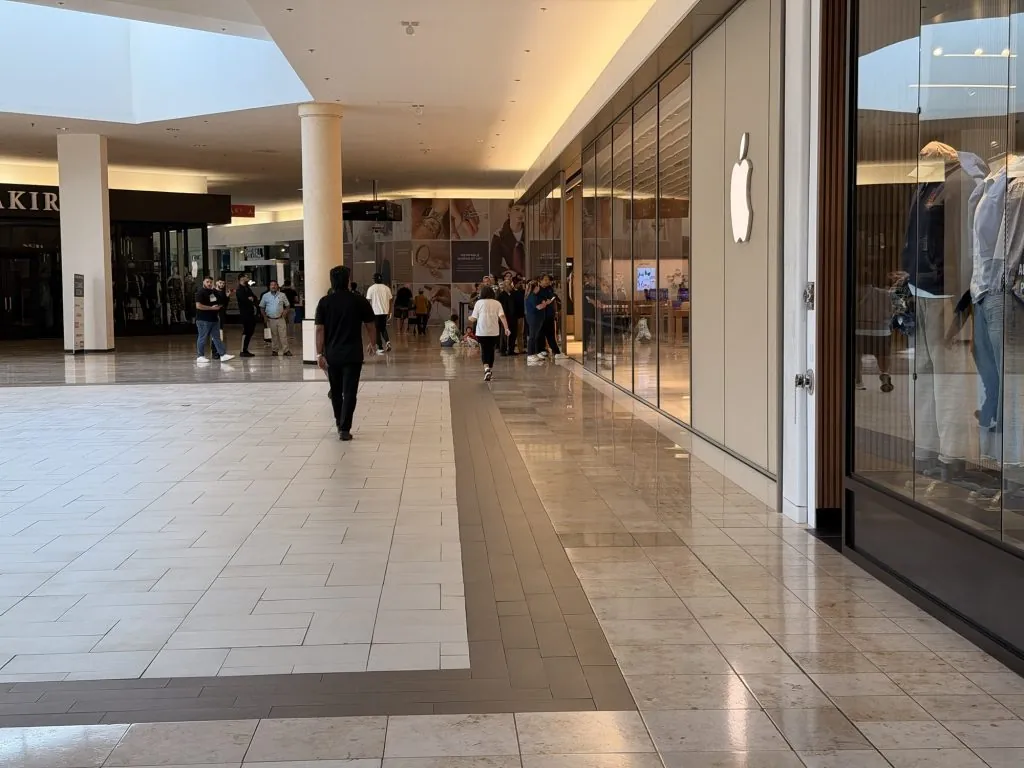
The answer was yes and no. There was a good collection of people, but there wasn’t much buzz outside.
When I arrived, there was a line that wrapped around the corner of the store. Inside, there were about three tables full of people being helped by an Apple employee.
I moved to the end of the line and asked if this is where I should go, and was told no. I should hang out for a little longer and then check at the front. So, I went into the store and played with a demo Duo.
Excitement crept through me as I grasped the larger screened iPhone. I folded and unfolded. I tried out the camera.
And that was it.
I expected more, for some reason. Maybe it was the hype or the scarcity that drove up my expectations, but it didn’t feel as wonderful as I thought it might. Perhaps, once I got my own and set it up, things would change.
iPhone Duo In-Store Setup Experience
The employee who helped me was very friendly and excited. I tried to match her enthusiasm and I think it worked. She scanned my pass and chatted with me about how she had been planning on getting an iPhone 18 Pro Max, but changed her mind when she saw the Duo in person.
While we waited for someone to bring my iPhone from the back, she grabbed a demo model and walked me through the features of the iPhone like the different poses and camera modes. She also asked me if I wanted a personalized greeting when I unboxed my device. I confirmed I did, and my device showed up soon after.
The poses are a cool trick, but I don’t really see myself using them much. I can’t imagine being a developer right now and trying to program for one of them either.
She tried to send me on my way, but I asked if I could stay and set up my phone there. She walked me to a table and away I went.
First iPhone Duo Impressions In Hand
If you’re interested in the Duo, I’m sure you’ve seen or read many of the reviews already. I’m not going to waste time going over the specs, but I do want to discuss a few things.
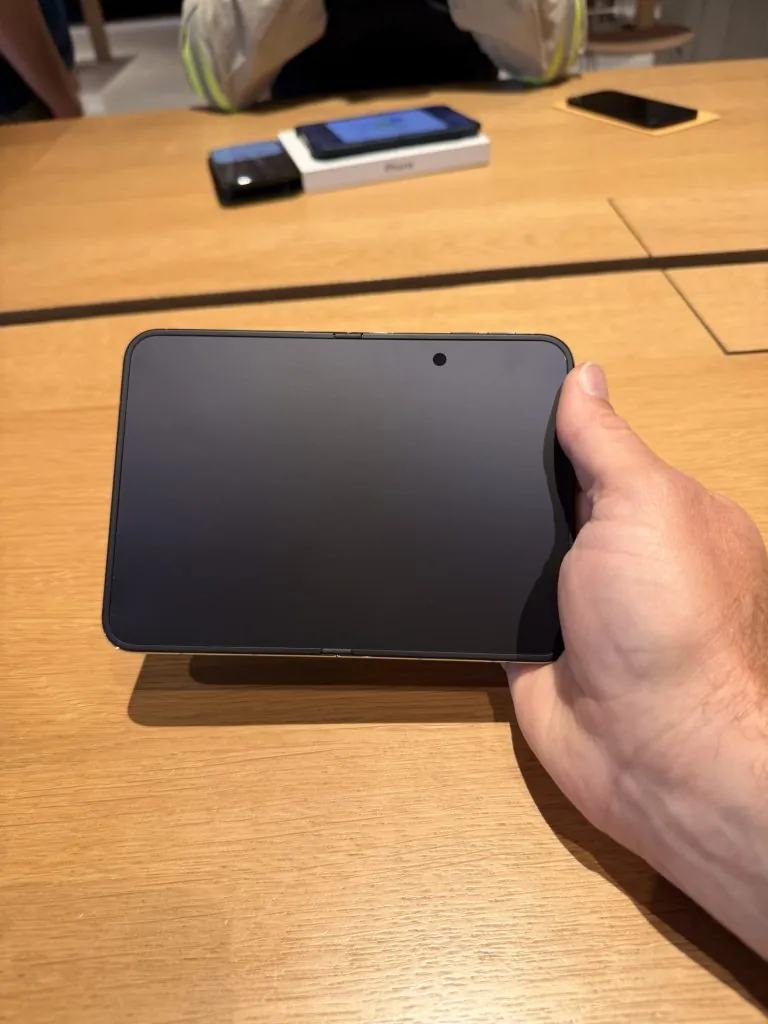
The inner screen is great. I’ve never used one of Apple’s nano textured displays, so this was new to me. It shows colors well, but it does look a little less sharp or something. It’s difficult to put my finger on, but in use, it’s great. I did have an issue with direct sunlight while pushing my son on a swing that I didn’t have on my iPhone 17 Pro.
The outer display looks like a typical iPhone these days, but short and fat. I’m not sure of the usability honestly. There’s not much to see on the screen when the keyboard is up. It also wasn’t as wide as I was expecting. So holding it like a normal iPhone, my hands are still too large to hold it comfortably.
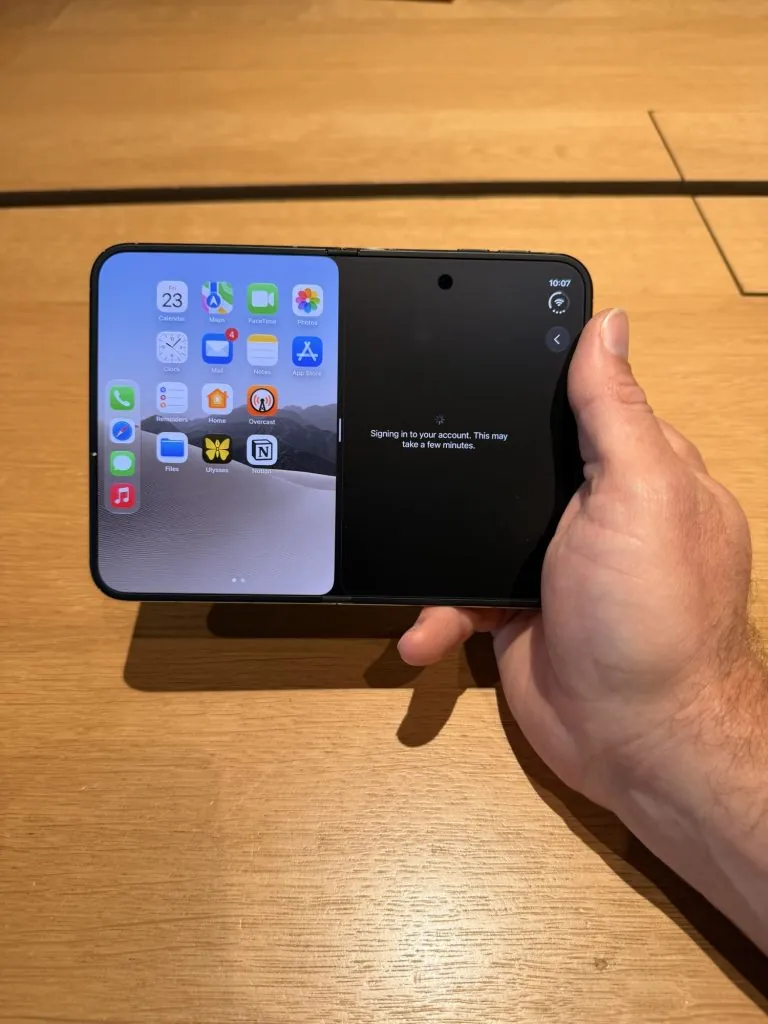
Unfolded, the iPhone Duo feels like a good size. I’m not sure if I prepared myself for the size by ordering a case a few weeks ago or what, but it didn’t feel small like I thought it might. Moving things like the dock to the right side of the screen helped. The rest of the interface doesn’t have to get squeezed in vertically that way.
The camera and lock button feel fine to me when the device is folded, but the volume buttons don’t. There’s like no easy way to find them without focusing on it. When you unfold it, it’s like Where’s Waldo. I have to constantly search for them.
Touch ID isn’t as good as Face ID, but I haven’t had any issues with it, like I was afraid of in my post yesterday. It’s taking some getting used to, but mapping multiple fingers is the way to go. I find myself using my left index finger to unlock the most, which I didn’t expect.
Setup iPhone As A New Phone
I thought I would try to set my phone up as a brand-new phone. I felt like there were so many apps and cruft in my current iPhone that it would be nice to start fresh.
That was one reason I wanted to set mine up at Apple. If I went home, I was sure I’d have kids stopping me every couple of minutes and honestly, I don’t like being on my phone around them that much. I started off setting things up from scratch at the store.
When unboxed my iPhone, I realized I should be taking pictures, so I grabbed my iPhone 17 Pro. As I did, I noticed the screen of the Duo come on in the box. I hadn’t unwrapped it yet, so I don’t know whether my personalized greeting was there or not. It wasn’t there when I unwrapped, but it had moved on to different languages.
The Duo needed an update, so that happened next. After that, I mostly just set it up like a new phone. I had to move my eSIM over, which went smoothly.
Then I started to configure my Home Screen and download apps. But that started to feel daunting. Still, I got it set up enough to get me home. So after about an hour there, I headed home.
When I got home, setting this up as new felt even more daunting, so I erased it and restored from my backup instead.
Being home complicated things in ways as my kids kept needing things. I thought things would be better if I took them to Chick-fil-A so they could eat and play while I worked on my device.
But he stopped playing every 5 minutes and the Wi-Fi at Chick-fil-A was slow. However, once enough of my apps got downloaded, I threw open Ulysses and set about writing my impressions.
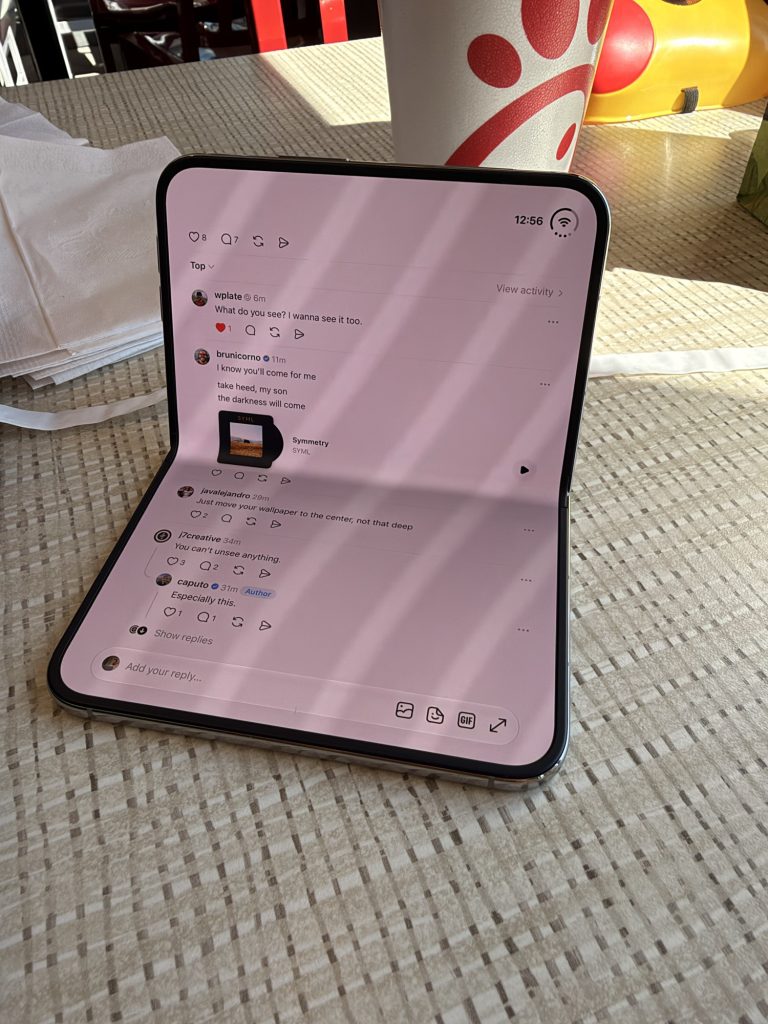
While Ulysses has updated for the new phone, the writing experience on the device wasn’t what I dreamed of. While there is more room on the screen, it is very much just like typing on an iPhone. Thumb typing just isn’t great, even with a wider phone. I did try setting the iPhone up in laptop mode and it was serviceable. I would love to see how this thing does with a stand and keyboard.
As it is, I’ve written this entire post with my iPhone Duo, mostly in opened in portrait mode. It works, but it wasn’t as fun as I was expecting.
More Duo To Come
This is just the beginning of my time with the Duo, and there’s still plenty to check out.
I’m going to keep diving into this thing and see if my opinion changes. I think it might grow on me and I adjust to it.
Make sure to sign up for my newsletter, as I intend to do more impressions after a few days of use of the iPhone duo.
Meanwhile, what types of questions do you have? Let me know in the comments.
Leave a Reply